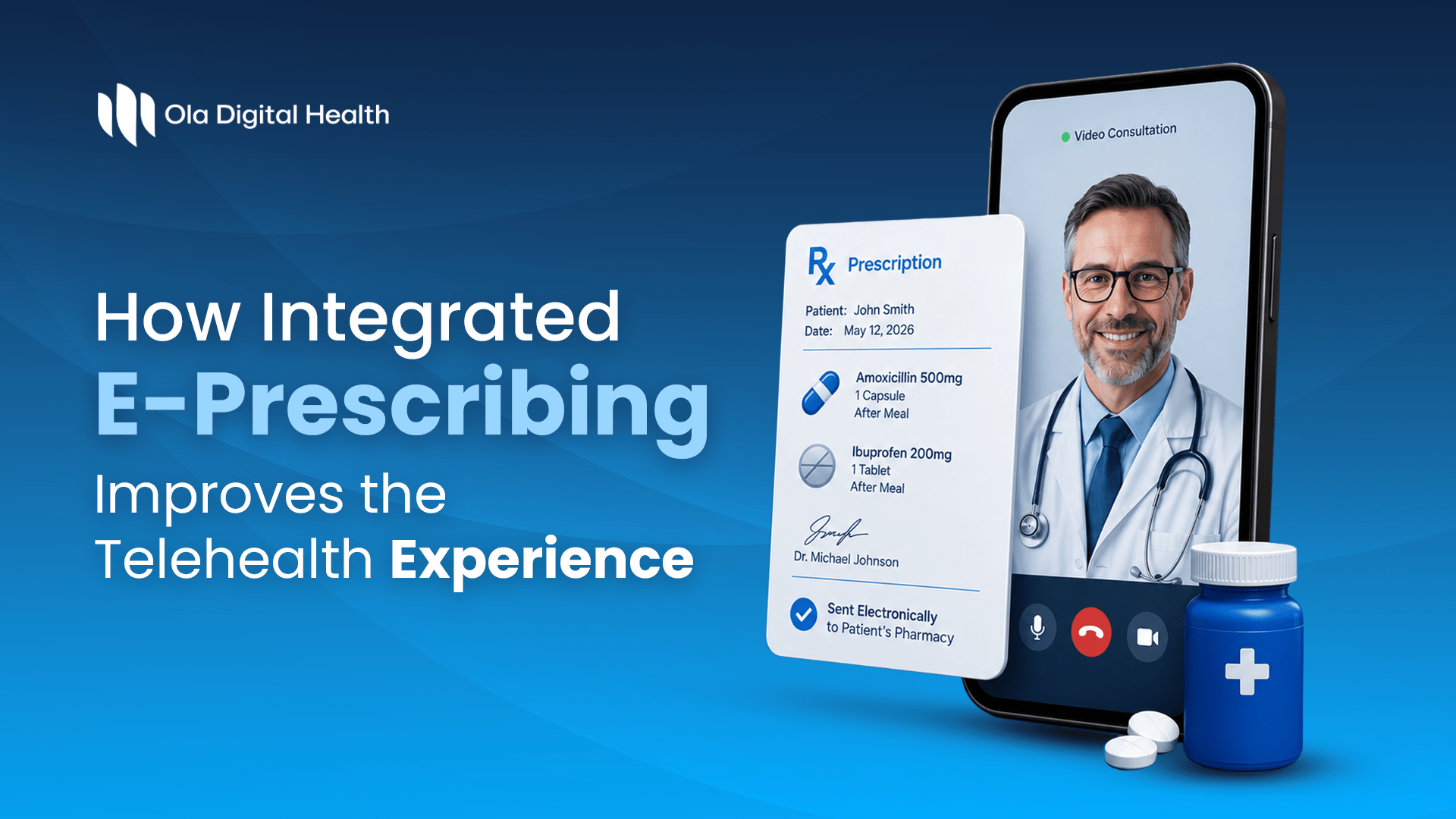
Reading Time: 7 min
Have you ever finished a telehealth appointment and thought, Okay, so what happens now?
For the patient, the answer seems pretty simple. If the provider decides medication is appropriate, the prescription should be sent to the right pharmacy and the patient should know what happens next.
Behind the scenes, though, there can be a lot more going on.
A provider may have to check the patient’s information, review previous prescriptions, confirm pharmacy details, write the prescription, document the consultation, and make sure everything is recorded correctly.
If those steps happen across different systems, things can get messy fast.
That is where e-prescribing telehealth workflows can make a real difference.
The prescription shouldn’t feel like a separate process
A prescription is part of the consultation. It shouldn’t feel like something the provider has to leave the consultation workflow to deal with separately.
In a disconnected setup, a provider might have to:
- Copy patient information into another system
- Re-enter medication details
- Search for the right pharmacy
- Check previous prescriptions somewhere else
- Return to the telehealth platform to finish documentation
That’s a lot of unnecessary jumping around.
With integrated e-prescribing software, prescribing can sit much closer to the rest of the provider workflow.
Ola Digital Health’s Provider Portal supports prescribing through integrations including DoseSpot, eFax, LifeFile, RX Avenue, and WellSync. Providers can also access consultation details, patient information, prescription history, pharmacy details, documents, and notes from the consultation record.
The idea is pretty straightforward: give the provider more of what they need in the same place.
According to Surescripts…
According to Surescripts’ 2025 Annual Impact Report, 1.39 million prescribers used e-prescribing in 2025, up 4% from the previous year. The report also found that e-prescribing can increase first-fill medication adherence by up to 10% compared with paper prescriptions, and by up to 20.5% when combined with coverage and formulary information.
What does that look like in a real consultation?
Imagine a patient comes in for a follow-up.
The provider needs to understand what was discussed previously before deciding what happens next.
Instead of searching through separate records, they can review:
✔ Previous consultation history
✔ Prescription history
✔ Patient information
✔ Consultation notes
✔ Documents
✔ Pharmacy details
Ola’s Provider Portal brings these details into the consultation workflow, allowing providers to review prescription and consultation history together.
That’s particularly useful when patients return regularly.
Because remembering what was prescribed isn’t always enough.
Sometimes the provider also needs to understand why it was prescribed, what happened during the previous consultation, and whether anything has changed since then.
Why prescription history matters more than you might think
Think about a patient who’s been using a telehealth service for several months.
They’ve had an initial consultation.
Then a follow-up.
Then another medication review.
At each appointment, there’s more context.
If the provider can only see the latest prescription, they’re missing part of the story.
A connected telehealth prescription workflow gives providers a better way to look at previous prescribing activity alongside consultation history and documentation. Ola’s portal specifically provides access to prescription history and previous consultation information within the consultation details area.
That can make follow-up care feel much less fragmented.
And what if the provider isn’t ready to prescribe yet?
This is an important part of the workflow too.
Not every consultation ends with a prescription.
Sometimes the provider needs another document.
Maybe they need clarification from the patient.
Maybe additional information is required before they can make a clinical decision.
Ola’s Provider Portal allows providers to request additional information, communicate with patients through audio, video, or chat, and manage consultation-related records before moving forward.
That’s a much better experience than having the patient wonder why nothing is happening after their appointment.
A quick checklist for a better prescribing workflow
If you’re evaluating your current telehealth setup, ask:
- Can providers see prescription history without leaving the consultation?
- Is pharmacy information easy to access?
- Can providers document the prescribing decision?
- Can patients be contacted when additional information is needed?
- Can your platform support different prescribing pathways?
If several answers are “not really,” your prescription workflow may be creating more work than necessary.
Not every telehealth business needs the same prescribing setup
This is where flexibility matters.
A weight-management program might have recurring prescriptions.
A hormone-health service may have a different follow-up structure.
Another healthcare brand might work with a specific pharmacy or use electronic faxing as part of its process.
Trying to force all of these businesses into exactly the same prescribing workflow isn’t practical.
Ola supports multiple prescribing integrations, allowing different clients and services to use the prescribing pathway that fits their operational model.
Its pharmacy mapping capabilities also allow pharmacies to be connected to specific service configurations, rather than treating every prescription as a completely separate manual process.
What does this mean for patients?
Honestly, patients don’t care which prescribing integration you’re using.
They just want to know:
Was my prescription sent?
Where was it sent?
What happens next?
When the consultation, prescription, pharmacy information, and communication are connected, there are fewer opportunities for those little gaps that make virtual care frustrating.
Ola’s integrated approach is designed to connect the provider’s consultation workflow with prescribing, pharmacy details, documentation, and patient communication.
That’s what makes the technology useful.
Not because patients see more features.
Because they experience fewer unnecessary steps.
Where e-prescribing fits into better telehealth
Good electronic prescribing for telemedicine isn’t simply about replacing paper prescriptions.
It’s about connecting prescribing to the rest of the care journey.
The consultation.
The patient’s history.
The provider’s notes.
The pharmacy.
The follow-up.
When those pieces work together, providers can spend less time switching between systems and more time reviewing the patient in front of them.
And for healthcare businesses, that connected workflow becomes even more valuable as they add new services, providers, pharmacies, and patient programs.
A connected workflow vs. a fragmented one
| Fragmented workflow | Connected workflow |
| Provider switches between systems | Prescribing stays closer to the consultation |
| Patient information may be re-entered | Relevant information is already available |
| Pharmacy details may sit elsewhere | Pharmacy information is visible in the workflow |
| Prescription history requires separate searching | Prescription history is accessible from the consultation |
| Follow-up communication may happen separately | Communication can continue through the provider workflow |
The bigger picture
The best telehealth experience isn’t created by one impressive feature.
It’s created when all the small pieces work together.
Booking should make sense.
The consultation should be easy to manage.
Patient information should be accessible.
Prescribing shouldn’t require unnecessary back-and-forth.
And when something is missing, the provider should have a clear way to follow up.
That’s the role integrated e-prescribing can play.
For Ola Digital Health, prescribing is being built into a broader Provider Portal that connects consultation management, patient communication, documentation, pharmacy information, prescription history, and multiple prescribing integrations.
The goal isn’t simply to send a prescription faster.
It’s to make the entire journey feel more connected.
Get in touch!
Frequently Asked Questions
Why does e-prescribing matter in telehealth?
Because the appointment shouldn’t feel finished while the prescription is still stuck somewhere in the system. The smoother that handoff is, the better the experience for everyone..
What should I look for in e-prescribing software?
Honestly, look at the little things.. Can the provider see the patient’s history? Check the pharmacy? Send the prescription without jumping between five different screens? Those things matter..
Can a telehealth business work with different prescribing systems?
It depends on how the business is set up, but having multiple integration options can make things much easier.. Ola supports several prescribing integrations, including DoseSpot, eFax, LifeFile, RX Avenue, and WellSync..
Does integrated prescribing actually make a provider’s job easier?
It can. When the prescription history, consultation details, pharmacy information, and patient records are easier to access, there’s simply less jumping around during the appointment..
Is electronic prescribing just about sending prescriptions online?
Not really.. The bigger picture is making sure prescribing fits naturally into the rest of the patient’s care journey, with the right clinical review, documentation, and follow-up in place.